Android & iOS

Dinner, synchronised.

Set the time you want to eat. KitchenSync works backwards and tells you exactly when each dish needs to go in — then alarms keep you on track while you cook.

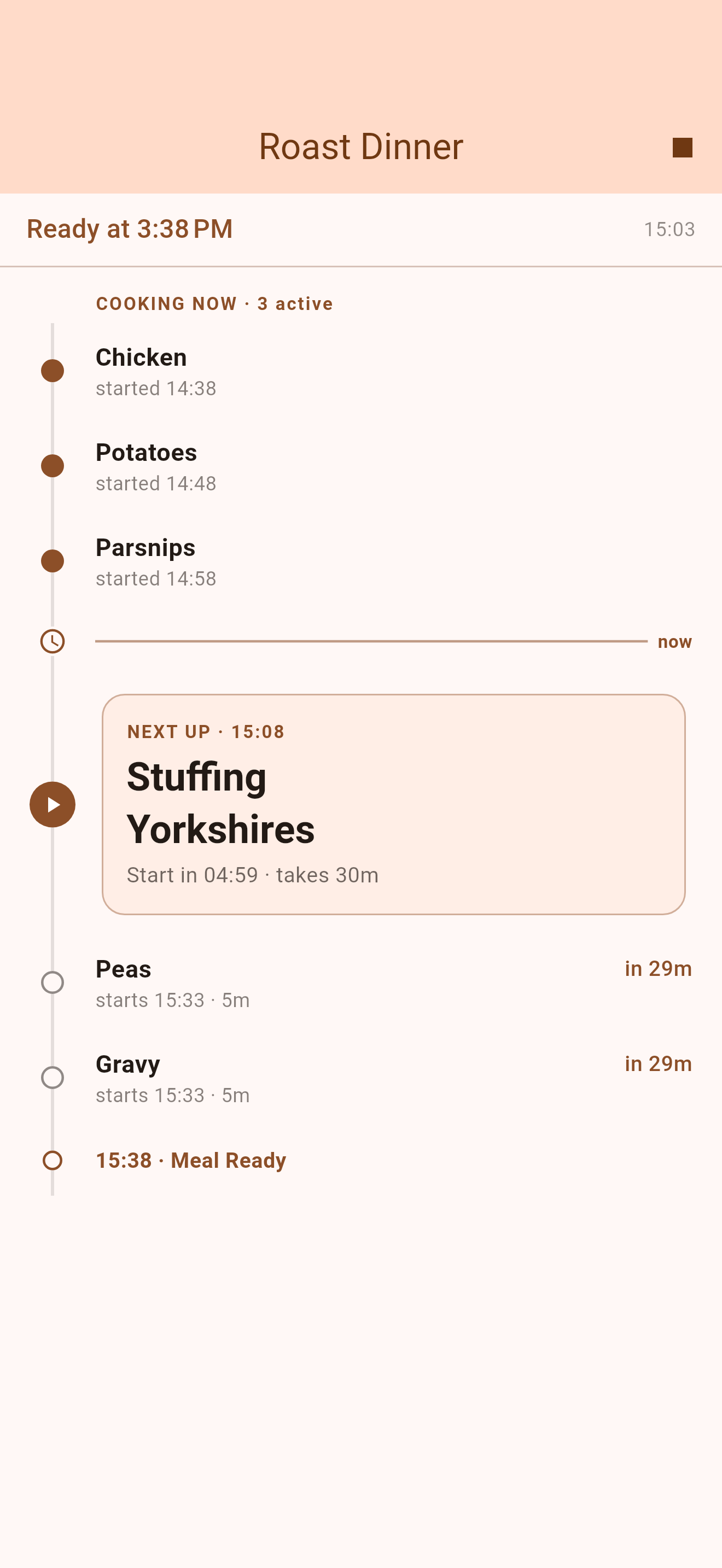
Sunday Roast
Ready at 16:00
14:20 · Potatoes · 40m
Now
Next up · 15:05
Chicken
Start in 12:34 · takes 55m
15:45 · Gravy · 15m
15:50 · Yorkshires · 10m
16:00 · Meal Ready 🍕

Built around your oven, not a recipe.

No ingredients, no method steps — just the dishes you're juggling and when they go in.

Backwards scheduling

Tell KitchenSync when you want to eat. It subtracts every cook time and tells you the exact moment to start each dish.

🔔

Hands-free alarms

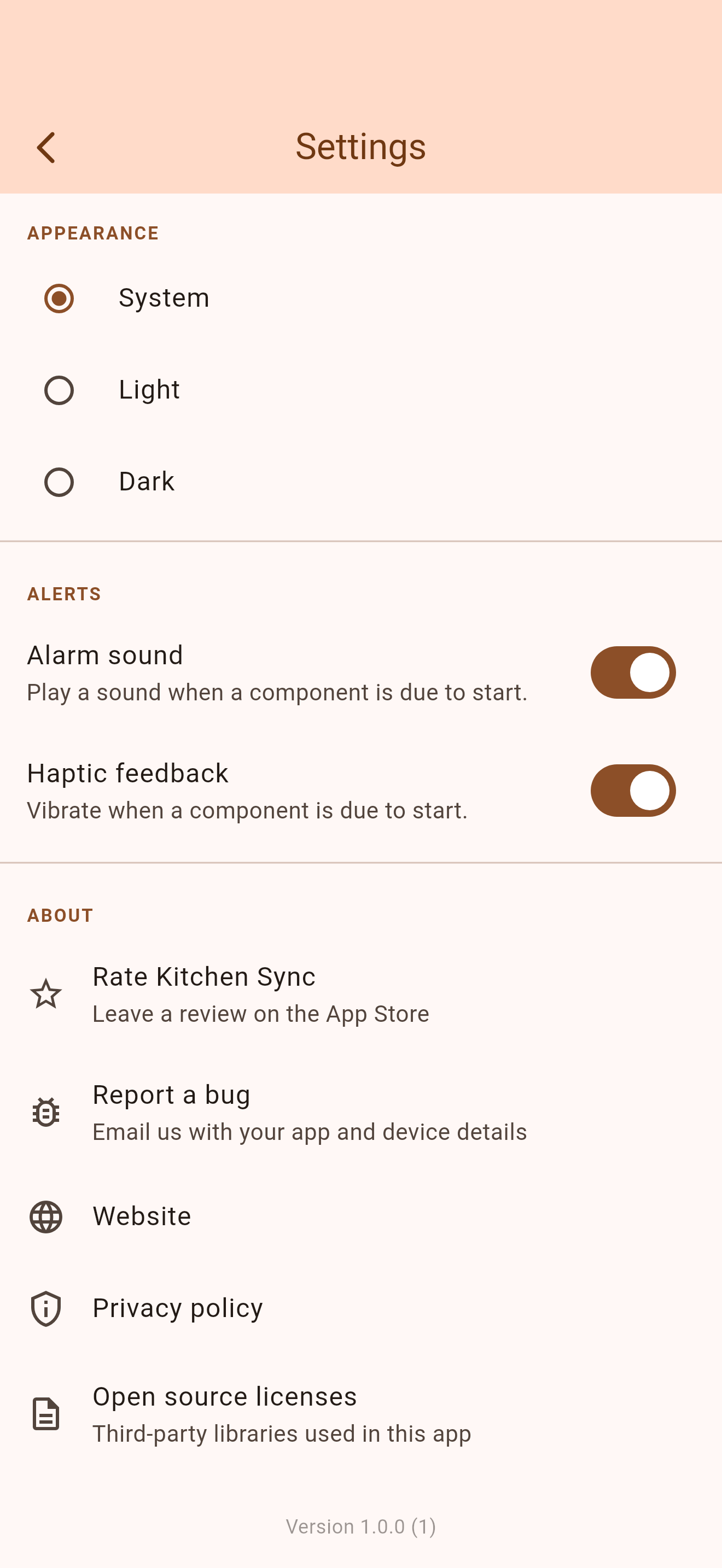
A notification fires at each dish's start time. You stay focused on cooking — not on watching the clock.

📋

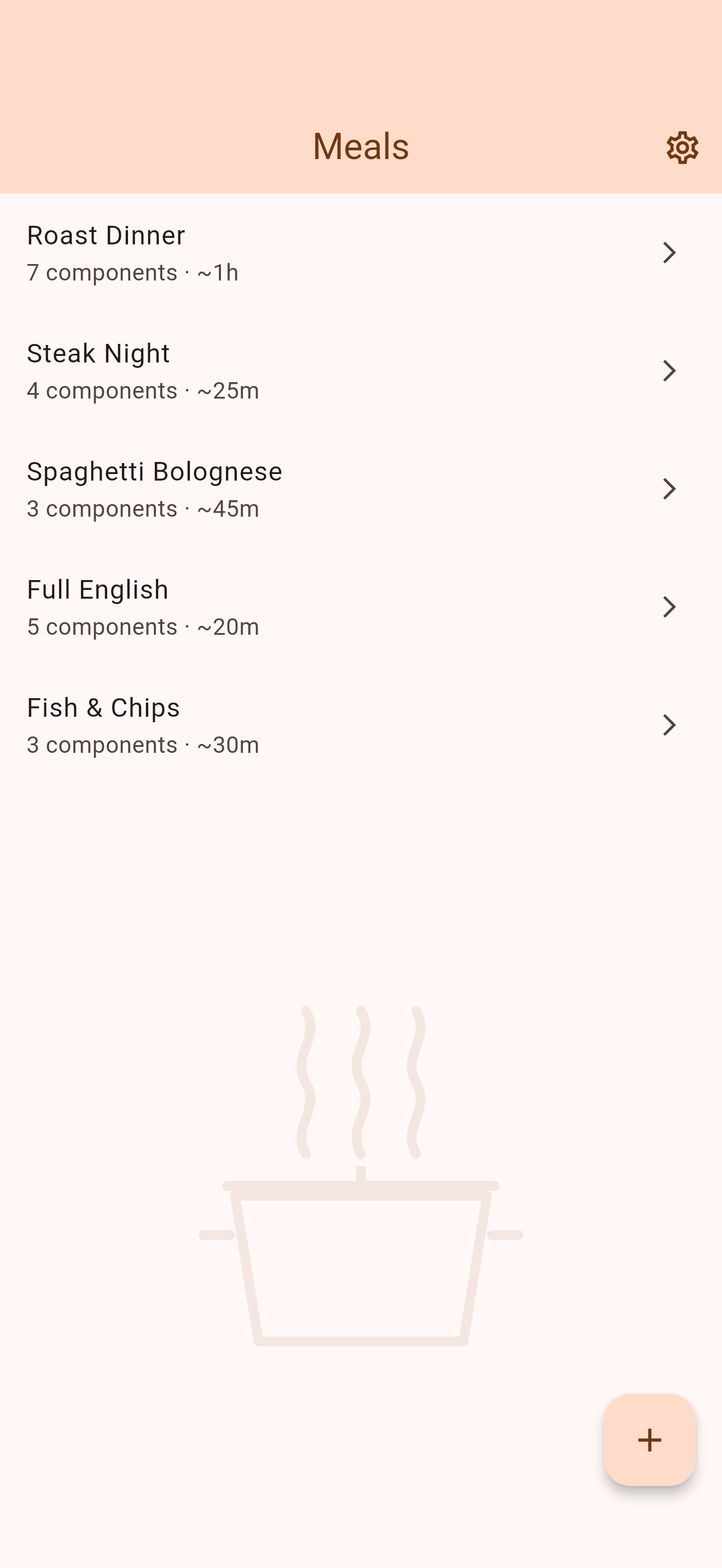
Meal library

Save your favourite meals and cook them again in two taps. Tweak components for a one-off session without altering the saved version.

Reorderable components

Add, remove, and drag dishes into the order that makes sense to you. KitchenSync handles the timing regardless.

🎨

Material You

Dynamic colour on Android, warm terracotta on iOS. Feels at home on both platforms.

📱

Android & iOS

A single, polished app on both platforms. Built with Flutter for native performance wherever you cook.

Three steps to a synchronised meal.

Simpler than setting kitchen timers.

1

Build your meal

Add each dish and how long it takes to cook. Save it to your library for next time.

2

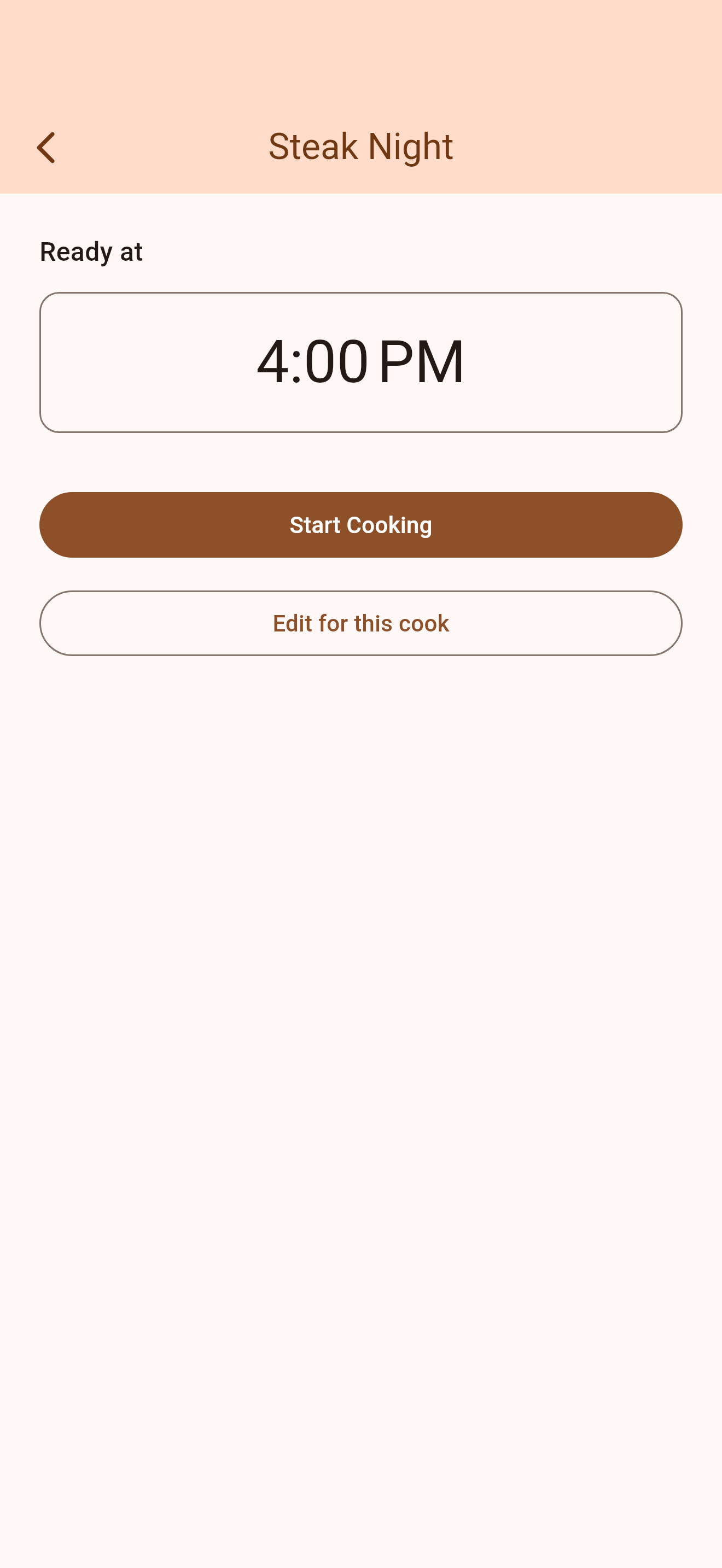
Set your finish time

Pick the time you want everything on the table. KitchenSync calculates the rest.

3

Cook to the schedule

A live timeline shows what's next. Alarms fire at each start time so you never miss a beat.

Why KitchenSync?

For anyone who's ever pulled out the chicken too early.

01

No more mental arithmetic

Stop working backwards in your head. If the chicken takes 1h20 and you want to eat at 7, KitchenSync just tells you: start at 17:40. Done.

02

Built for real cooking

No ingredient lists, no method steps. Just the dishes you're juggling and when each one needs to go in. Simple enough to use mid-cook.

03

Stays out of your way

Start cooking and put your phone down. KitchenSync runs quietly in the background and taps your shoulder at exactly the right moment.

04

Your meals, your device

Everything is stored locally. No account, no subscription, no cloud. Your Sunday roast schedule stays between you and your oven.

Ready to cook in sync?

Download KitchenSync and never pull anything out too early again.